How to Create a Voice Server (PMA Voice)
PMA Voice (pma-voice) is the most widely used proximity voice chat resource in FiveM. For voice to work, you need a voice server with its own address and port.
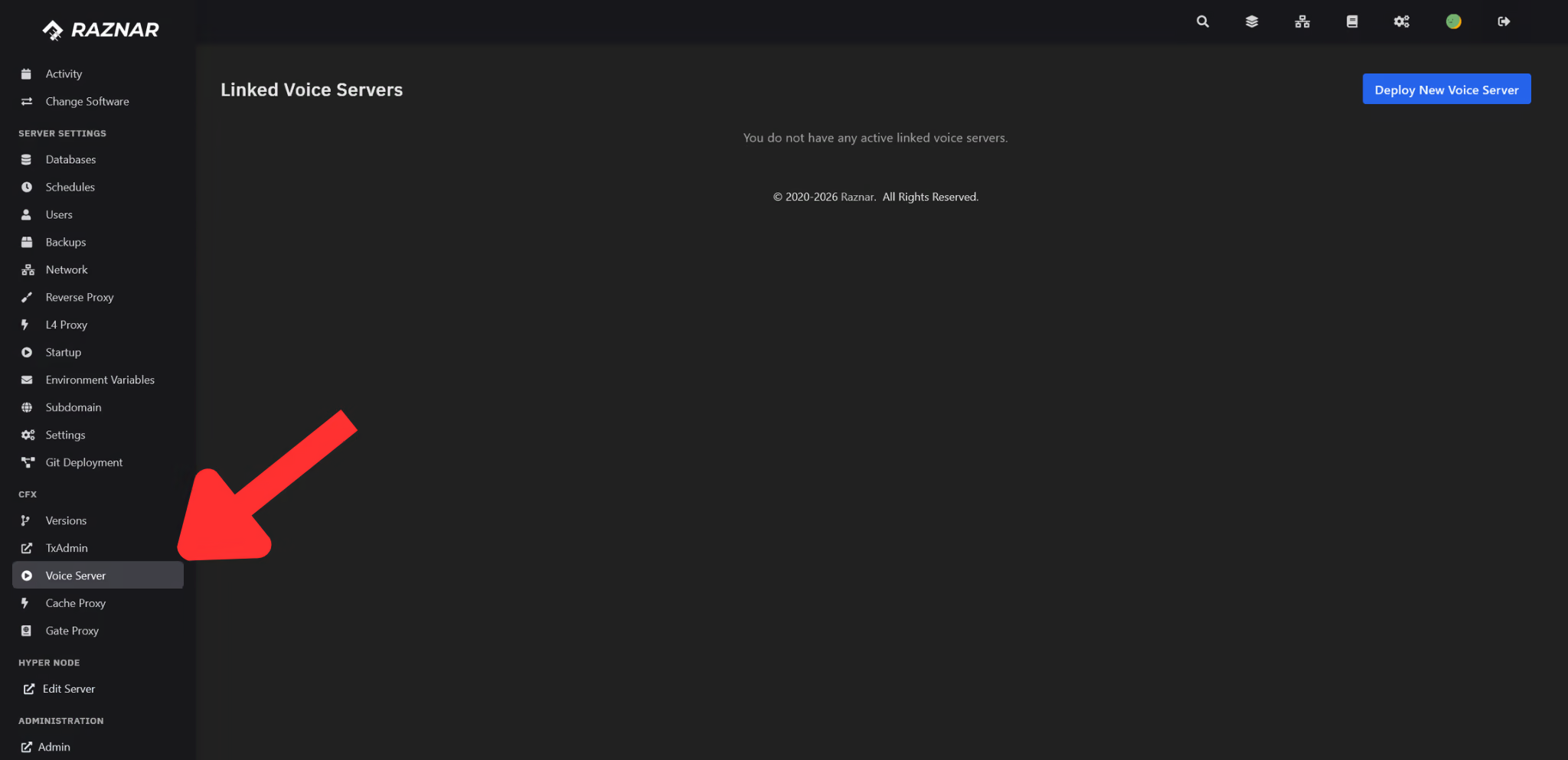
In the Game Panel, a voice server can be created directly from the CFX → Voice Server menu (CFX Voice Server). The panel will create the voice server instance, choose a node, and allocate a port automatically.
The CFX Voice feature must already be active for your server. If the Voice Server menu doesn't appear, contact the Technician / Hosting Admin via a ticket.
1. Open the Voice Server Menu
- Log in to the Game Panel, then select your FiveM server.
- In the left sidebar, open the CFX group.
- Click the Voice Server menu.
- The Linked Voice Servers page will show a list of voice servers that are already connected.
2. Deploy a Voice Server
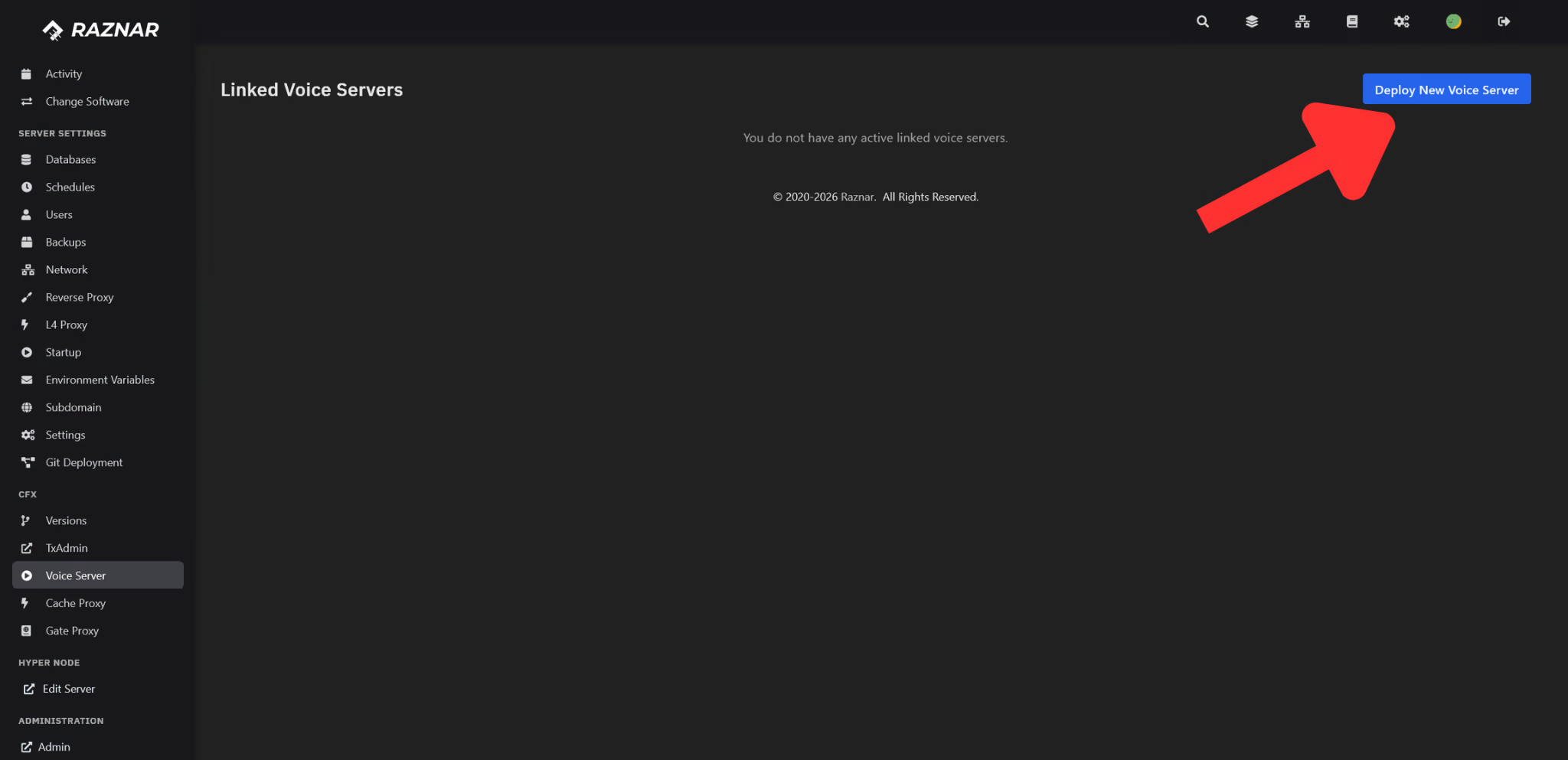
- Click the Deploy New Voice Server button.
- The panel will create a new voice server instance along with its port allocation automatically.
- Wait until a success notification appears. The process takes a moment until the voice server is ready.
3. Get the Address & Port
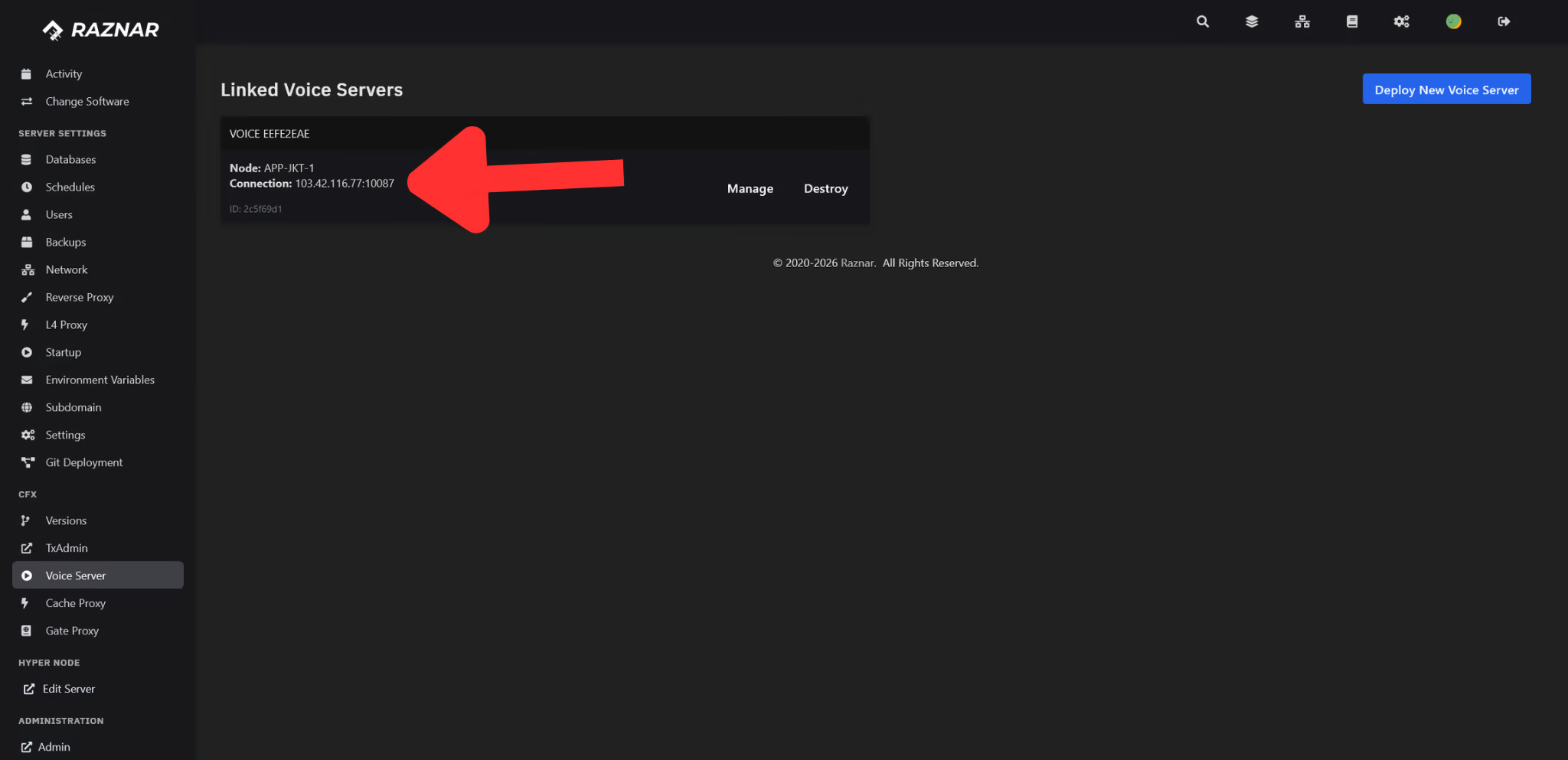
Once the voice server is ready, the card in the list will show:
- Node → the voice server node's location.
- Connection → the address and port in
IP:PORTformat (example:103.xx.203.113:30125).- If it still says Allocating..., wait a moment then refresh.
- ID → the voice server's short UUID.
There are also buttons available:
- Manage → opens that voice server's panel.
- Destroy → deletes the voice server (along with its files & data).
The Destroy button will permanently delete the voice server. Make sure the configuration in server.cfg is also updated afterward.
4. Continue to Setup
Note the Connection (IP:PORT) above, then apply it to server.cfg: